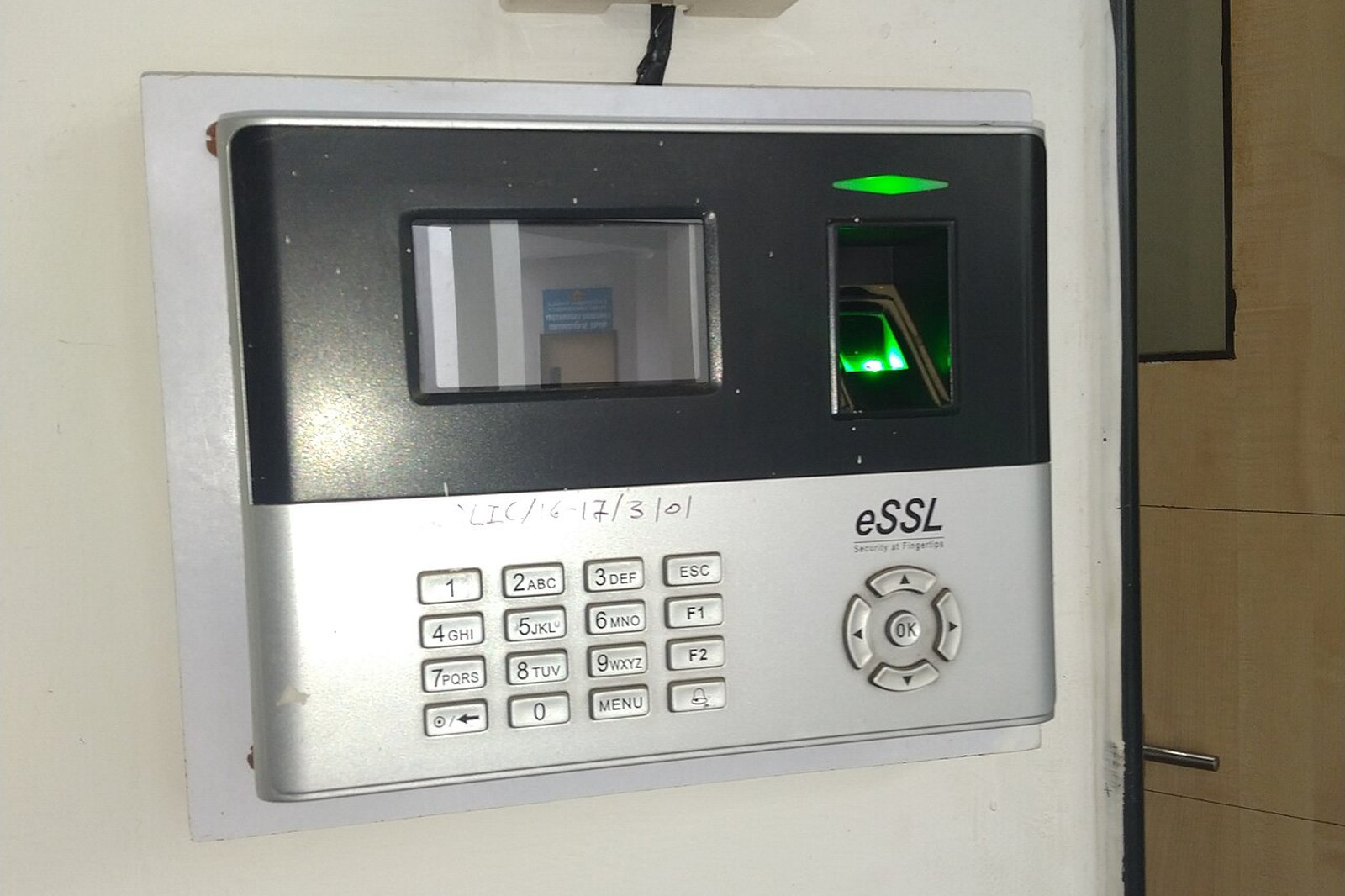
Photo: Sanskritibharti1398, Wikimedia Commons, CC BY-SA 4.0. A wall mounted fingerprint scanner with a small screen and keypad, used for attendance. This is an illustrative photo of a biometric device and not of an Aadhaar enrolment machine, a UIDAI service or any Aadhaar authentication this post discusses.
Quick answer: If a fingerprint, iris or face check fails with Error Code 330, UIDAI says it means “Biometrics locked by Aadhaar holder”. Someone, often you, switched on the biometric lock, so the check is blocked on purpose. Unlock your biometrics temporarily (UIDAI lists its website, an enrolment centre, an Aadhaar Seva Kendra and the Aadhaar app), then retry straight away. UIDAI says the temporary unlock generally lasts about 15 minutes or one authentication. A registered mobile number is required (UIDAI authentication page).
NaviMumbai.com is an independent site and is not affiliated with UIDAI, EPFO or any government body. Rules and screens change, so check the official pages before you act.
How to recognise error 330
The failed attempt shows an “Authentication failed” message with Error Code 330, according to UIDAI. The Aadhaar Authentication API document (version 2.5, January 2022) lists the same code as “Biometrics locked by Aadhaar number holder” (API document).
Three signs point to a lock rather than a faulty scanner:
- The same code appears on different devices or at different service providers.
- Fingerprint, iris and face all fail, because UIDAI says the biometric lock covers all three.
- An OTP-based check still works. UIDAI says the biometric lock does not affect OTP authentication.
If your failure shows a different code, it is not this problem. UIDAI lists Error Code 300 as “Biometric data did not match”. For that one, UIDAI suggests retrying with correct finger placement and pressure, using a different finger, and cleaning the scanner and your fingers. If it keeps failing, it advises getting your biometrics updated at an Aadhaar update centre. Our Aadhaar centres in Navi Mumbai guide covers finding one.
Biometric lock vs Aadhaar lock
These are two separate switches. UIDAI says the Aadhaar lock “restricts all Aadhaar-based authentication” using the number, VID and UID token, while the biometric lock only blocks fingerprint, iris and face.
| Biometric lock | Aadhaar lock | |
|---|---|---|
| What it blocks | Fingerprint, iris and face authentication | Authentication using your Aadhaar number, VID or UID token |
| Error code in the API document | 330 | 331 |
| OTP authentication | Not affected, says UIDAI | Blocked along with other authentication, says UIDAI |
| How you unlock | Temporary unlock, or disable the biometric lock | Unlock with your latest 16 digit VID and an OTP |
| How long unlocked | Generally about 15 minutes or one authentication, then it locks again | Stays unlocked until you lock it again |
| Needs registered mobile | Yes | Yes |
If your error is 331, you need the Aadhaar unlock, not the biometric one. UIDAI also warns that the Aadhaar app cannot be used while your Aadhaar is locked, because logging in to the app uses Aadhaar authentication.
How to unlock biometrics temporarily
Do this just before you retry, because the window is short.
- Keep the mobile number registered with Aadhaar in hand. UIDAI says the service is not available without it.
- Use one of the channels UIDAI names: the UIDAI website (myAadhaar), an enrolment centre, an Aadhaar Seva Kendra or the Aadhaar app.
- Complete the OTP check. UIDAI says OTP authentication is required to turn the lock on or off.
- Retry the face or fingerprint check at once. UIDAI says the unlock is “generally 15 minutes” or a single authentication.
- If you will use biometrics often, UIDAI says you can disable the biometric lock instead, and enable it again later as many times as you like.
Check the exact menu names on the My Aadhaar page, which lists “Lock/Unlock Biometrics” and “Lock/Unlock Aadhaar” as separate services.
No registered mobile number? UIDAI says to visit the nearest enrolment centre or mobile update point first.
When this blocks everyday tasks
UIDAI says a biometric lock affects services that rely on biometric authentication, such as biometric e-KYC, but OTP-based e-KYC or a temporary unlock still lets you finish. Face authentication is one of the locked modes, so a face check inside another service can fail the same way.
- UAN: new UANs are generated through Aadhaar face authentication in the UMANG app, as our UAN activation guide explains. If that face check fails with 330, unlock and retry.
- State scheme e-KYC: see our Ladki Bahin e-KYC guide for that scheme. It is a separate process from the UIDAI lock.
If face authentication keeps failing without a lock
UIDAI describes the steps for a good face capture: face the camera with your whole face inside the frame, keep a neutral expression with eyes open and mouth closed, and stay still. Face authentication needs two apps: the service provider’s app and UIDAI’s Aadhaar Face RD app. If the code is not 330, note it and ask the service provider, since UIDAI says to contact the concerned entity with the error code.
Check who has been trying to authenticate
UIDAI says you can view authentication records for the last 6 months, up to 50 at a time, including the error code for failed attempts. If a failed attempt is not yours, UIDAI says to contact the relevant authentication agency. UIDAI also lists suspected misuse as a reason to lock biometrics.
Frequently Asked Questions
What does Aadhaar error 330 mean?
UIDAI lists Error Code 330 as “Biometrics locked by Aadhaar holder”. Fingerprint, iris and face checks are blocked until the biometric lock is unlocked or disabled.
How do I unlock my Aadhaar biometrics?
UIDAI says the unlock can be done on its website, at an enrolment centre, at an Aadhaar Seva Kendra or in the Aadhaar app. A registered mobile number and OTP check are required.
How long does the temporary unlock last?
UIDAI says generally 15 minutes or a single authentication transaction, after which the biometrics lock again. Retry right after unlocking.
Is the biometric lock the same as the Aadhaar lock?
No. The biometric lock blocks fingerprint, iris and face. The Aadhaar lock blocks all authentication using your number, VID or UID token, and you unlock it with your latest VID.
Can I unlock biometrics without a registered mobile number?
UIDAI says a registered mobile number is mandatory. If yours is not registered, update it first at an Aadhaar enrolment or update centre or an Aadhaar Seva Kendra.
How this guide was checked
On 25 November 2026 the UIDAI My Aadhaar page and the UIDAI authentication page were read, including its sections on Aadhaar lock, biometric lock, error codes and authentication history. The Aadhaar Authentication API document 2.5 (January 2022) was read for the error code list. No Aadhaar number was entered, no one logged in and no form was submitted. The portal screens themselves were not opened, so menu names on the day may differ.
Sources
| Source | Used for |
|---|---|
| UIDAI: Authentication | Biometric lock, Aadhaar lock, error codes, authentication history, face capture steps |
| UIDAI: My Aadhaar | Names of the lock and unlock services |
| UIDAI: Aadhaar Authentication API 2.5, January 2022 | Error codes 330 and 331 |
| NaviMumbai.com UAN activation guide | Face authentication for UAN |
Checked 25 November 2026. Confirm the steps on the official page before you act.
NaviMumbai.com is an independent information site and is not affiliated with any government body.