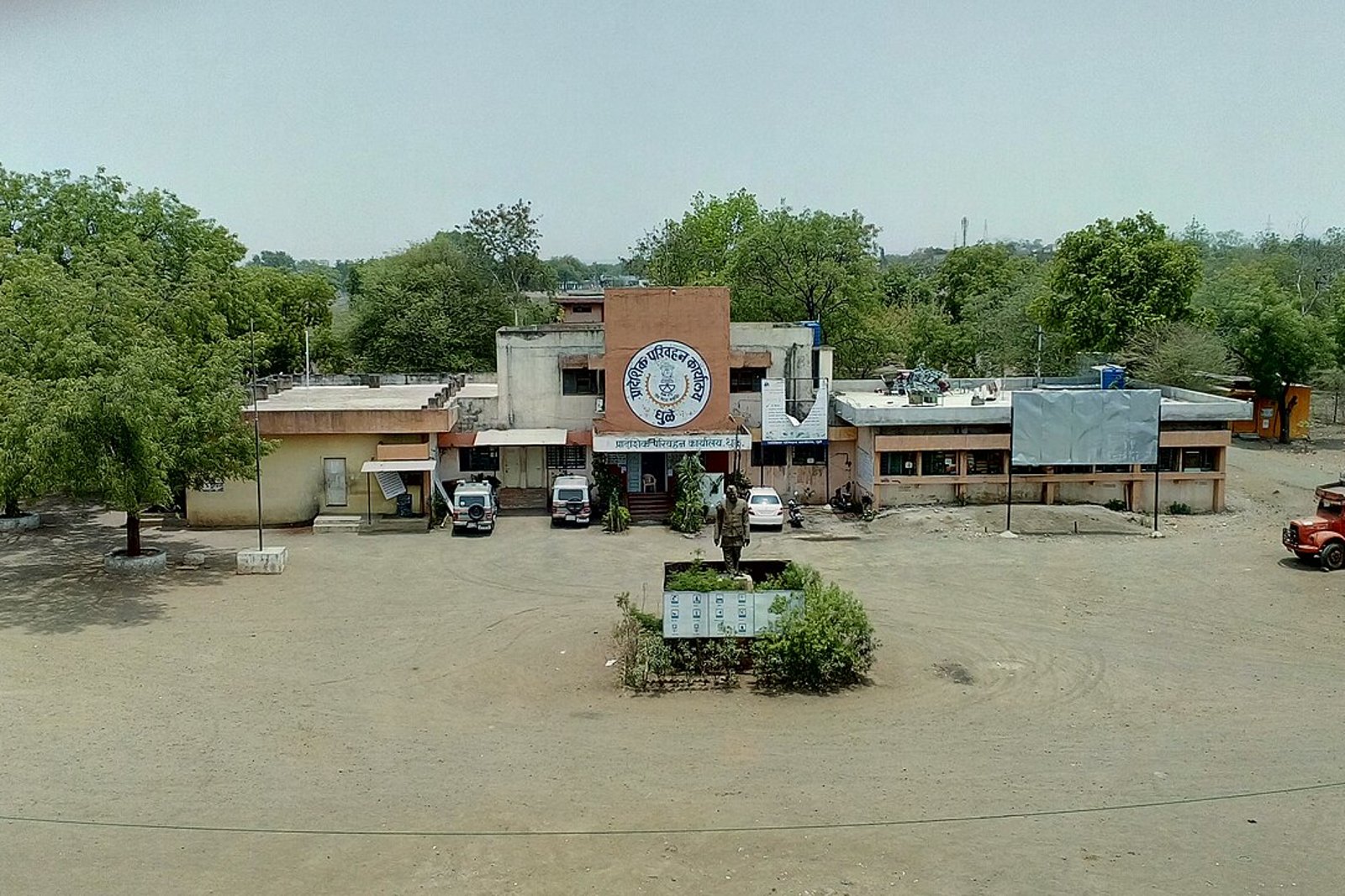
Photo: Jainpankaj009, Wikimedia Commons, CC BY-SA 4.0. A Regional Transport Office in Maharashtra, at Dhule. This is an illustrative photo of an RTO building.
Quick answer: after the last EMI, the lender’s name stays on your RC until the hypothecation entry is cancelled, which is also called hypothecation termination. You need the lender’s loan closure or NOC letter and a Form 35 signed by you and the financier (Form 35 on Parivahan). For eligible Maharashtra vehicles, the Motor Vehicles Department’s faceless flow lets you apply on VAHAN with Aadhaar authentication and uploaded documents (Maharashtra Transport PDF). Parivahan’s fee guidance provides no separate fee for the cancellation or for the fresh RC issued afterwards (Parivahan fees page). Even a faceless application still waits for RTO approval.
This is a researched guide and not an official notice. This site is not affiliated with the Maharashtra Motor Vehicles Department, Parivahan or any lender. Rules, forms and portal screens change, so confirm with the VAHAN portal or your RTO.
What hypothecation on your RC means
When a car is bought on a loan, the lender’s hypothecation (often shown as HP) is endorsed in the registration certificate. Parivahan’s page on hypothecation termination describes the service as an application for an entry that ends a hire purchase, lease or hypothecation agreement in the certificate of registration (mParivahan page). Paying off the loan does not remove the endorsement by itself. The entry has to be cancelled through that application, and until then the RC still shows the lender.
Resolve the existing finance endorsement and confirm the required transfer documents before selling. See our RC transfer checklist for sellers and buyers for the sale itself.
Documents you need
From the lender
| Document | What the official pages say |
|---|---|
| Loan closure or NOC letter from the financier | The Maharashtra faceless flow lists “Bank NOC” as a required document (Maharashtra PDF). The VAHAN instructions page asks for a certificate from the financier on dues (VAHAN instructions) |
| Form 35, signed and stamped by the financier | Parivahan says the application is in Form 35 duly signed by the registered owner and the financier (mParivahan). The form asks for the financier’s official seal and address |
| Confirmation that the closure has been sent to VAHAN | The faceless route depends on the bank being integrated with VAHAN for loan closure information (Maharashtra PDF). Ask the lender whether it has updated VAHAN |
From you, the vehicle owner
| Document | What the official pages say |
|---|---|
| Registration certificate (RC) | The VAHAN instructions page lists the RC in original with Form 35 (VAHAN instructions) |
| ID cum address proof | Listed in the Maharashtra faceless flow |
| Photograph of the vehicle from the front | Listed in the Maharashtra faceless flow |
| Anything else the selected service asks for | The mParivahan page also lists items such as insurance, pollution certificate and PAN or Form 60 and 61, and says documents marked with an asterisk may be required in some states. Follow the VAHAN service screen or your RTO |
The lender’s NOC and an RTO NOC are different things. The financier’s NOC here is about loan closure. It is not the RTO no objection certificate used for another registration related transaction, such as moving a vehicle to another state.
Originals, uploads and copies. Follow the selected application route’s instructions for uploads and original documents. Do not assume that a general document list creates a postal submission requirement for the faceless route. For an RTO visit, ask the RTO which originals to carry and which copies it keeps. Form 35 itself says it is to be made in duplicate, and in triplicate where the original registering authority is different, so ask the lender for the right number of signed copies if you apply on paper. For an online application, follow VAHAN’s requirements.
What Form 35 is and who signs it
Form 35 is the “Notice of termination of agreement of hire-purchase/lease/hypothecation” under Rule 61(1) of the Central Motor Vehicles Rules (Form 35 PDF). The form is a joint declaration that the agreement between owner and financier has been terminated, with a request that the note in the RC be cancelled. It carries two signatures: the registered owner (signature or thumb impression) and the financier, with official seal and address. Ask the lender to sign and stamp it when you collect the closure letter.
Online or at the RTO: which route applies
The Maharashtra Motor Vehicles Department’s citizen training flow describes a faceless route on VAHAN. It says the route is only for Maharashtra registered vehicles that meet all of these conditions:
- Individual ownership.
- A non-transport vehicle.
- Your full name, father’s or husband’s name, mobile number and address pin code on VAHAN match your Aadhaar records exactly.
- The hypothecated bank is integrated with the VAHAN portal for loan closure information.
Commercial or transport vehicles fall outside this flow. The flow also says that if you authenticate with mobile OTP instead of Aadhaar, you book an appointment where applicable and visit the RTO with valid documents, and that authenticating with someone else’s Aadhaar gets the application rejected with no refund. VAHAN’s own pre-check page tells owners that hypothecation data should be available in the system and that ownership type should be individual (VAHAN pre-check notice). Apply to the registering authority shown on your RC or in your VAHAN record, which need not be the Vashi RTO. For Navi Mumbai office details, see our RTO Navi Mumbai (Vashi) guide and guide to government offices in Navi Mumbai.
Step by step on the VAHAN portal
Start the same way for both routes, following Parivahan’s general steps (Parivahan FAQ):
- Open the VAHAN citizen services portal, choose the basic services option, and enter your registration number and the last 5 characters of the chassis number.
- Select “Hypothecation Termination” and authenticate yourself.
Eligible faceless application (Maharashtra). The flow lists these stages: choose the Aadhaar option and authenticate, fill in the form, pay any fee the portal shows, upload all the documents, click Final Submit, then wait for RTO verification and approval. Document uploads are mandatory in this flow, each file up to 200 KB, and the training screens say the application is processed only after you click Final Submit. Saving a draft or completing a payment stage does not mean the application has been submitted or approved. Note the application number and keep checking the status. The PDF says RC printing starts after approval.
Any other route. If you are not eligible for the faceless flow, or you authenticate by mobile OTP, follow the document verification and appointment instructions the portal shows and visit the RTO with the documents it asks for.
Fees
Parivahan’s published fee guidance states that no separate fee is levied for cancellation of the hire-purchase, lease or hypothecation agreement, or for issue of the fresh certificate of registration afterwards, and that the extra smart card fee does not apply to that fresh certificate (Parivahan fees and user charges). Maharashtra’s training flow also shows hypothecation termination as non-chargeable. If VAHAN displays an amount, read its itemised description and confirm any unexplained charge with the RTO before paying.
Do not confuse this with the fee for adding hypothecation. The same Parivahan table lists a fee for endorsing a hire-purchase, lease or hypothecation agreement in the first place, which is what applied when the loan was taken.
How long it takes, and who is responsible for each delay
Aaple Sarkar publishes a 15 day service limit for the “cancellation of hire purchase/mortgage agreement entry” service, and lists designated and appellate officers beginning with the Assistant Regional Transport Officer (Aaple Sarkar services list). Other departmental documents may show a different period, so check the service acknowledgement and the currently notified limit for your RTO. RC printing and delivery may be separate stages. These limits are for the RTO and not for your lender.
| Where the delay is | Who is responsible |
|---|---|
| Closure documents or loan closure information not supplied | The lender |
| A complete application waiting for verification or approval | The RTO |
| An approved record waiting for the updated RC to be delivered | The relevant issuing and delivery process, which you can ask the RTO about |
Lender delay. The RBI’s directions of 13 September 2023 tell the banks and finance companies they name to release original movable and immovable property documents and remove charges registered with any registry within 30 days after full repayment or settlement. If the delay is beyond 30 days, the lender must tell the borrower the reasons, and where the delay is attributable to the lender it must pay compensation of Rs 5,000 for each day of delay (RBI directions). The directions are about “personal loans” as RBI defines them in a circular they link, they apply to the regulated entities listed in them for releases falling due on or after 1 December 2023, and they do not govern the RTO. Check with your lender whether your vehicle loan is covered. This does not mean every Form 35 must arrive within 30 days, or that every delay earns Rs 5,000 a day.
If the lender is slow, escalate in this order:
- Ask in writing for the closure letter, the NOC and a signed and stamped Form 35, quoting your loan account number and the date of the final payment. Ask whether it has sent the closure information to VAHAN.
- If nothing happens, write to the lender’s grievance officer and keep the acknowledgement.
- If the lender is a regulated entity and has not replied within 30 days, or you are not satisfied with its reply, you can complain to the RBI Ombudsman at no charge, within 90 days of that period ending or of the lender’s last reply (RBI Integrated Ombudsman FAQ, complaint portal).
What to keep when you follow up with the lender or the RTO: the application number, the submission date, the acknowledgement and any deficiency notice.
If something goes wrong
| Problem | Next action |
|---|---|
| Aadhaar and VAHAN details do not match | Identify which record is wrong and correct it through the applicable process before you apply again |
| Financier details missing or incorrect | Confirm the record with the lender and the RTO |
| Bank closure not reflected | Ask the lender about its backend submission to VAHAN |
| Application returned | Read and resolve the recorded deficiency, then resubmit |
| Approved but the financier still shows | Check the updated RC and raise the discrepancy with the RTO |
Check that the lender’s name is gone before you sell
- Once the RTO approves, wait for the updated RC.
- Check the new RC: the lender’s hypothecation entry should no longer appear.
- Use the “Know your Vehicle Details” option in the VAHAN citizen services menu to see the vehicle record, and check the financier is no longer listed.
- Keep the closure letter, the stamped Form 35, the application receipt and the updated RC together.
For the sale itself, see our RC transfer checklist for sellers and buyers. If your car is 15 years old or more, our old car renewal guide covers renewal. If you are scrapping the car instead of selling it, see our guide to scrapping a car in Navi Mumbai.
Frequently Asked Questions
Does paying off the car loan remove the lender from my RC?
Not by itself. The hypothecation entry has to be cancelled through a termination application, and Parivahan describes this as an application in Form 35 signed by the owner and the financier.
Who signs Form 35?
The registered owner and the financier, with the financier’s official seal and address. The form says to make it in duplicate, and in triplicate where the original registering authority is different.
Do I have to go to the RTO?
Not under the Maharashtra faceless route, if your vehicle and records meet its conditions and your bank has updated VAHAN. With mobile OTP authentication, the flow says to book an appointment where applicable and visit the RTO with valid documents. RTO approval is needed either way.
What does it cost?
Parivahan’s fee guidance provides no separate fee for cancelling the hypothecation or for the fresh RC issued afterwards, and Maharashtra’s training flow shows the service as non-chargeable. If VAHAN shows an amount, read its itemised description and confirm any unexplained charge with the RTO before paying.
How long does hypothecation termination take?
Aaple Sarkar publishes a 15 day service limit for the cancellation service, and other departmental documents may show a different period. RC printing and delivery may be separate stages, so check your acknowledgement and ask the RTO.
The bank has not updated VAHAN. What now?
Ask the lender in writing whether it has sent the closure information to VAHAN. If it has not, ask for the paper documents so you can apply through the RTO, and escalate to the lender’s grievance officer if the request stalls.
I lost the loan closure letter. What can I do?
Ask the lender in writing for a duplicate closure letter or NOC and a signed and stamped Form 35, quoting your loan account number. The pages read here do not describe a separate procedure, so follow the lender’s process and escalate in the order above if it is slow.
Is the lender’s NOC the same as an RTO NOC?
No. The lender’s NOC confirms the loan is closed. An RTO NOC is a different document used for another registration related transaction.
How do I check the lender’s name is removed?
Look at the updated RC and use Know your Vehicle Details on VAHAN to see the vehicle record before you sell.
Can I use the faceless route for a taxi or commercial vehicle?
The Maharashtra flow says it is for individual ownership and non-transport vehicles only.
How this guide was checked
- The Maharashtra faceless process, eligibility conditions, documents, mandatory uploads and Final Submit step come from the Motor Vehicles Department’s citizen training PDF, which uses sample screens.
- Form 35 wording, signatures and copies come from the form on Parivahan. The fee wording comes from Parivahan’s fees and user charges page.
- The 15 day service limit comes from the Aaple Sarkar services list. Lender timelines and compensation come from the RBI directions of 13 September 2023, and the complaint route from the RBI Integrated Ombudsman FAQ.
- The document list and general steps come from the mParivahan page, the VAHAN instructions and pre-check pages and the Parivahan FAQ.
Sources
| Point | Source |
|---|---|
| Maharashtra faceless flow | Motor Vehicles Department, Maharashtra (PDF) |
| Form 35 | Parivahan Form 35 |
| Fees | Parivahan fees and user charges |
| Termination guidelines and documents | mParivahan page |
| Document list and pre-checks | VAHAN instructions and VAHAN pre-check notice |
| General steps | Parivahan FAQ |
| RTO service limit | Aaple Sarkar services list |
| Lender delay and complaints | RBI directions, 13 September 2023 and RBI Integrated Ombudsman FAQ |
Checked 21 November 2026. Forms, fees and portal screens change, so confirm with VAHAN or your RTO.
NaviMumbai.com is an independent information site and is not affiliated with any government body.