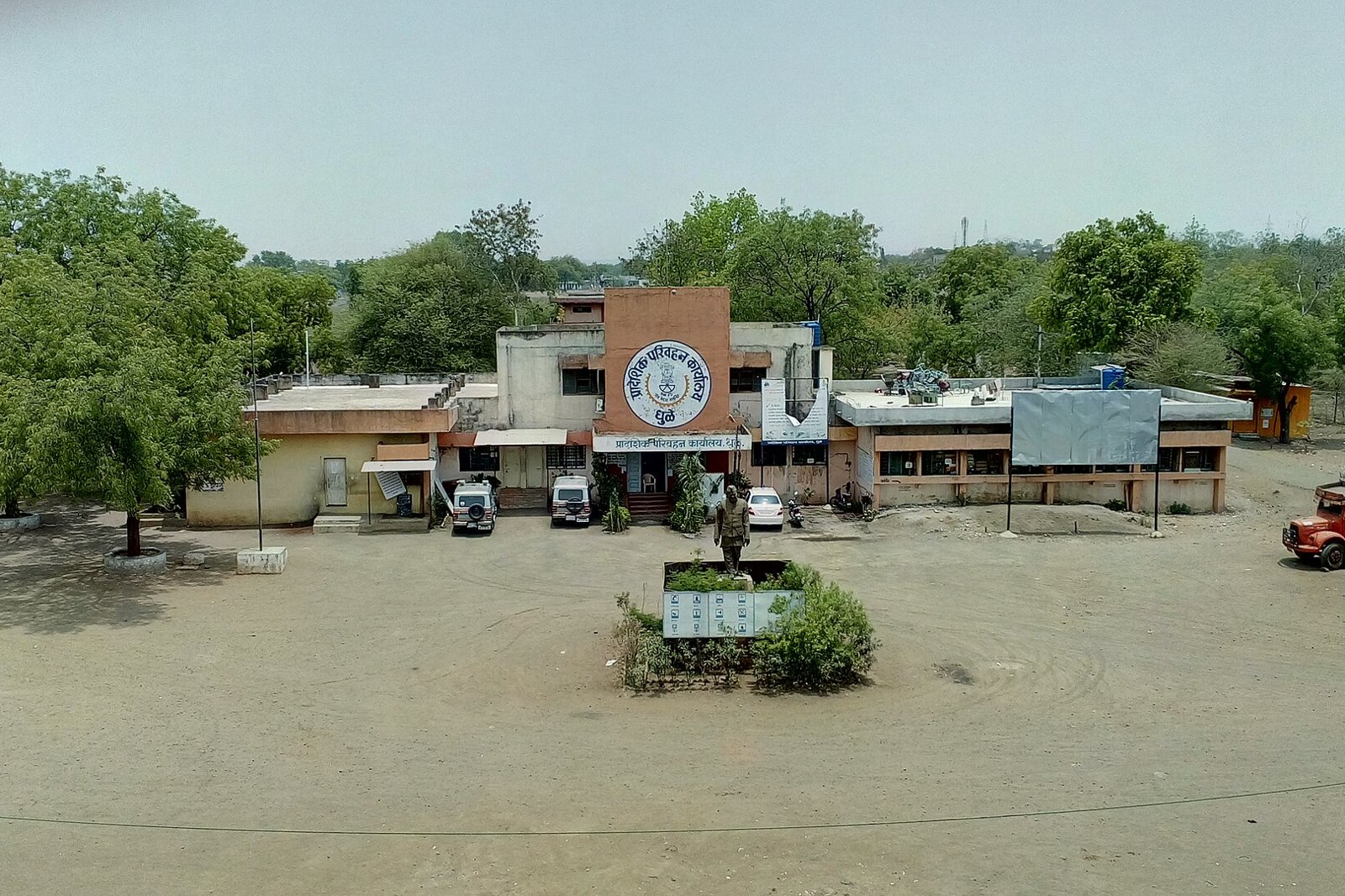
Photo: Jainpankaj009, Wikimedia Commons, CC BY-SA 4.0. Regional Transport Office in Dhule, Maharashtra. This is an illustrative photo and is not a Navi Mumbai office.
Quick answer: You apply for a change of address in your driving licence on Sarathi at sarathi.parivahan.gov.in (Parivahan FAQ). Maharashtra offers a faceless route with Aadhaar authentication, where the address is fetched from Aadhaar, no address proof is uploaded and no RTO visit is needed. It only works if your Aadhaar address is in Maharashtra, your licence record is complete and the details match. If you cannot use Aadhaar authentication, Sarathi has a “Submit without Aadhaar Authentication” route that needs address proof and an RTO visit (Maharashtra Transport Department FAQ).
This guide explains the published process and is not an official notice. This site is not affiliated with the Transport Department. Fees and screens change, so confirm the amount and steps on Sarathi when you apply.
Before you start: faceless eligibility checklist
- The address you want printed on the licence is recorded in your Aadhaar. The department says the address for this service must be in Maharashtra as per the Aadhaar address.
- Your identity details match your licence record. The department says details such as name and date of birth must match the driving licence record in the RTO database, and its manual also lists relation name. This does not mean every field on both documents must be identical, only those the department names.
- You can receive the OTP on the mobile number linked to your own Aadhaar. An Aadhaar of another family member cannot be used.
- Your licence record, photograph and signature are already in the RTO database. If they are missing, the department says you must visit the RTO for record entry and to capture the photo and signature, and can then use the faceless service.
- You have a payment method ready, such as a debit or credit card or net banking.
You need not be in Maharashtra when you apply. The department says the applicant can apply online from anywhere, provided the Aadhaar address is in Maharashtra.
If your licence was issued outside Maharashtra
The department’s FAQ says you can use the faceless service in Maharashtra if you hold an Aadhaar address in Maharashtra, whichever state issued the licence. The other eligibility conditions still apply. This guide does not cover whether other steps apply when you change state of residence, so ask your RTO if unsure.
If you cannot use the faceless route
If you do not have an Aadhaar, or it is not linked to your mobile, or you cannot authenticate, choose “Submit without Aadhaar Authentication” on Sarathi and follow the screens. The department says this route needs address proof and a visit to the RTO after you submit. Follow the document checklist and appointment instructions Sarathi generates for your application. This guide does not list accepted address proofs, because the list is set by the department and shown when you apply. For help with Aadhaar, see our Aadhaar centre guide for Navi Mumbai.
If your details do not match
Compare your Aadhaar and your licence record to find which detail is wrong. If the incorrect detail is in Aadhaar, update Aadhaar first, and our Aadhaar centre guide for Navi Mumbai covers that. If the incorrect detail is on the licence record, correct that record through the RTO, or follow the non-faceless route where it applies. Do not update Aadhaar when the licence record is the one that is wrong.
What you do on Sarathi
- 1. Open Sarathi and select Maharashtra. Use only the official Parivahan address, because look-alike sites exist.
- 2. Choose the contactless or faceless services, or Driving Licence and Services on Driving Licence, then enter your licence number and date of birth to fetch the record.
- 3. Select the RTO. The manual shows a pin code box to find the RTO for your address. For the Vashi office, see our Vashi RTO guide.
- 4. Select Aadhaar authentication and enter your Aadhaar number or virtual ID and the OTP sent to your Aadhaar-linked mobile.
- 5. Choose the permanent address, the present address, or both, where offered. The addresses are not editable and are fetched from Aadhaar.
- 6. Check the fetched address carefully before you confirm. It is the address printed on the new card.
- 7. Complete the declaration and submit. Save the application number and acknowledgement.
- 8. Pay the fee and keep the receipt. The manual shows the upload stage marked exempted and the payment stage pending until you pay.
The manual is an undated Transport Department user guide, and its sample screens carry dates from 2022, so the screens you see may differ.
What happens next
After payment the application goes to the RTO. The manual shows scrutiny by a clerk, approval of the endorsement by the RTO admin or ARTO, and automatic start of the licence print. A card, where applicable, is delivered to your address by Speed Post. Acceptance is subject to scrutiny, and the department says an application can be rejected or sent back with remarks.
Fee
Published manual amount: Rs 466. The manual’s sample payment screen lists a change of address fee of Rs 200 and a Form 7 fee of Rs 112.99, with a total of Rs 466 as shown. The manual and the department’s FAQ say there is no additional charge for using the faceless route. The screen is a sample, so check the itemised total Sarathi generates before you pay, especially if you add other services. Reports of possible rule changes are not a notification, so this guide does not treat address changes as free.
Track your application and fix common problems
After you submit, Sarathi gives an application number and sends an SMS to the mobile number. Use the application status option on Sarathi, and keep the application number and your date of birth ready. If the status shown is out of date, use the Refresh option, as the manual advises. The manual also notes that if the status is “Reverted”, you modify the application as the remarks say.
| Problem | What to do |
|---|---|
| Licence record cannot be retrieved | Check the number and date of birth. The licence number can be entered in any format. If the record is missing from the system, the RTO may need to enter it (backlog entry) and the Parivahan FAQ says record migration is done by your RTO |
| Aadhaar authentication fails | Check the Aadhaar number, that the OTP goes to the Aadhaar-linked mobile, and that the name and date of birth match the licence record. If OTPs do not arrive, check your network and message storage and try again later, as the department advises |
| Application returned or rejected | Read the remarks recorded by the RTO officer, correct the problem and reapply where applicable. An application cannot be edited after submission unless the RTO sends it back |
| Payment debited but status not updated | Check the status and the payment receipt before paying again. The manual’s terms say there is no automatic refund and that double payment cases are taken up with the RTO |
| Approved but card not received | Separate three things: approval, printing and dispatch. Parivahan says to ask the RTO or department for the dispatch tracking number, which lets you track the card |
No delivery time is given here, because the sources reviewed do not state one.
Licence address and RC address are different
| Document | Portal | What it changes |
|---|---|---|
| Driving licence | Sarathi | The address printed on your licence |
| Vehicle registration certificate (RC) | Vahan | The address on the vehicle record, using the registration number |
Changing one does not change the other. If you have moved, you may need to update both. Use Vahan for the RC and check its current instructions there.
Related steps
- A change of address does not renew an expiring licence. For that, see our driving licence renewal guide. For a lost or damaged card, see our duplicate driving licence guide. For a learner to permanent licence, see our permanent driving licence guide.
- If you are also applying for an international driving permit, check whether your licence particulars need updating for that application. Our international driving permit guide explains the permit.
How this guide was checked
- The Sarathi route, application cancellation and dispatch tracking come from Parivahan’s FAQ, read on 15 November 2026.
- Eligibility, the non-Aadhaar route, interstate licences and returned applications come from the Maharashtra Transport Department’s FAQ on Sarathi faceless services, which gives a service start date of 2 June 2022.
- The steps, the sample screens, the fee screen and the Rs 466 total come from the department’s undated change of address manual.
- Document lists for the non-Aadhaar route, processing times and postal delivery times are not given, because the sources reviewed do not state them.
Frequently Asked Questions
How do I change the address on my driving licence in Maharashtra?
Apply on Sarathi, select Maharashtra, fetch your licence with the number and date of birth, choose Change of Address and complete the steps. Use Aadhaar authentication if you are eligible.
Do I need to visit the RTO?
Not on the faceless route, which needs Aadhaar authentication and an Aadhaar address in Maharashtra. The “Submit without Aadhaar Authentication” route needs address proof and an RTO visit.
My licence was issued in another state. Can I use the faceless service?
The department says yes if your Aadhaar address is in Maharashtra, whichever state issued the licence, subject to the other conditions.
What if my photo or signature is missing from the record?
You must visit the RTO for record entry and to capture them, and can then use the faceless service.
How much does it cost?
The published manual shows Rs 466 and no extra charge for the faceless route. Check the itemised total Sarathi generates before you pay.
What if my Aadhaar and licence details do not match?
Work out which record is wrong. Fix Aadhaar if it is the incorrect one, fix the licence record through the RTO if that is, or follow the non-faceless route where it applies.
Is a licence address change the same as an RC address change?
No. The licence is changed on Sarathi and the RC on Vahan. You may need both.
Sources
| Point | Source |
|---|---|
| Sarathi steps, tracking number, cancellation | Parivahan FAQ on driving licence services and Sarathi |
| Faceless eligibility, non-Aadhaar route, interstate licences | Maharashtra Transport Department FAQ |
| Steps, screens and fee | Maharashtra Transport Department user manual |
| RC address change | Vahan |
Checked 15 November 2026. Fees and procedures change, so confirm on Sarathi.
NaviMumbai.com is an independent information site and is not affiliated with any government body.