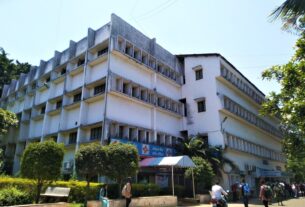
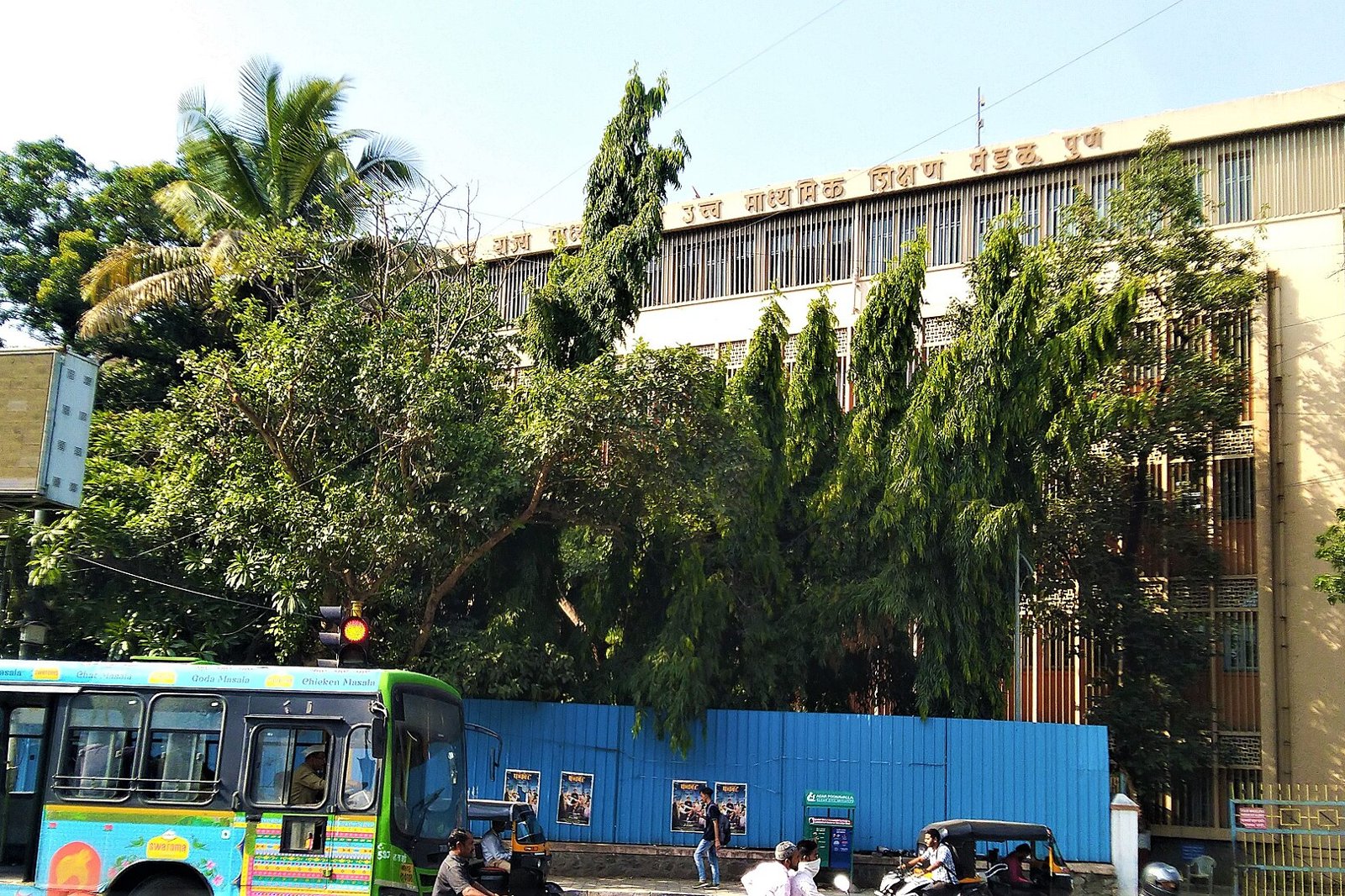
Photo: DesiBoy101, Wikimedia Commons, CC BY 4.0. The headquarters of the Maharashtra State Board of Secondary and Higher Secondary Education in Pune.
Quick answer: To download a Maharashtra SSC or HSC marksheet, sign in to DigiLocker, search for the Maharashtra State Board of Secondary and Higher Secondary Education, select the required marksheet or certificate, and enter the details requested. Once fetched, open it under Issued Documents to view or download it. If the record is unavailable, check your examination details and contact DigiLocker support or the board (board eMarkSheet portal, DigiLocker student page and the board’s older illustrated guide).
This is a researched guide and not an official notice. This site is not affiliated with DigiLocker or the Maharashtra State Board. Fields asked and portal screens change, so confirm with DigiLocker and the board.
Details to keep ready
- Your DigiLocker account, signed in with a mobile number or Aadhaar.
- Your old marksheet, to read the exam year, session and seat number exactly as printed.
- Depending on the document and examination year, the form may request your seat number, examination year, session and other matching details.
How to download a Maharashtra marksheet from DigiLocker
The steps below follow the official student page and the board’s older illustrated guide, whose screenshots show an earlier version of the interface, so the screens you see may differ.
- Sign in to DigiLocker (digilocker.gov.in).
- Search for the Maharashtra board using its full issuer name, Maharashtra State Board of Secondary and Higher Secondary Education.
- Select the correct SSC or HSC document: the marksheet or the passing certificate for Class X or Class XII.
- Enter the fields requested for that document.
- Review the consent request and fetch the record.
- Open Issued Documents, select the document, and download the PDF where the option is shown.
Fetching adds the record to your account, and downloading saves a copy to your device, so they are two separate steps. Where your name needs to match your Aadhaar for the pull to work, see the mismatch advice below.
If the record does not show up
Start by checking for a mismatch in the details entered.
| Problem | Next step |
|---|---|
| Cannot sign in or receive an OTP | Use DigiLocker account support at support.digilocker.gov.in |
| “Record not found” | Recheck the issuer, document, year, session and seat number against your old marksheet |
| Year absent from the selector | Ask the board whether the record is available, and raise a support ticket with DigiLocker |
| Incorrect marks or personal details | Contact your school or the board to correct the issuer record |
| A recent record that is missing (APAAR linked) | Ask your school to check the linkage. For 2025 results, the Times of India reported that only students whose APAAR ID was recorded against the seat number could access them (TOI, 8 May 2025). See our APAAR ID guide for what APAAR is |
| You need a replacement paper document | Use the board’s duplicate certificate portal (see below) |
If names do not match. Compare your name and other details across the board record and your identity record. Identify which record contains the error, then use that authority’s correction process. If the board record is incorrect, contact your school or the relevant divisional board. If it is your Aadhaar that is wrong, see our Aadhaar centres in Navi Mumbai.
If the pull still fails, there are two official routes:
- DigiLocker support. DigiLocker’s Q and A says digital records exist only if the board has uploaded them, and that for missing records you should contact the board and raise a query at support.digilocker.gov.in or nad-support.digilocker.gov.in. It lists the details to include, such as full name, board, passing year and session, seat number, total marks, registered mobile number and a screenshot of the error (source).
- The board. The board’s duplicate certificate portal lists helpline 9028947883 and phone numbers for each divisional board, including the Mumbai Divisional Board on 022-27881075 and 022-27881077 (source). Ask your school which divisional board your exam fell under before you call.
Which examination years are available?
The board’s older download guide lists records for 1990 to 2017. Treat this as the coverage described in that guide, and not as a current upper limit. The board’s eMarkSheet portal separately describes verification records since 1990 and says marksheets and passing certificates can be accessed on DigiLocker (source). Availability depends on the document type and the records the board has supplied.
There is newer evidence for recent years. The board’s 2026 HSC result announcement mentions digital marksheets in the DigiLocker app, and MeitY announced the Maharashtra State Board Class X result for 2026 on the DigiLocker result page (MeitY post). The Times of India reported the 2025 rollout. None of this shows that every year in between is available, so run the pull for your own year and seat number. DigiLocker’s Q and A says academic records appear only when the issuing institution has uploaded them (DigiLocker Q and A PDF).
Issued documents, uploaded scans and validity
| Type | What it is | Where it comes from |
|---|---|---|
| Issued digital document | An e-document issued by the agency itself from its own records, which appears in the Issued Documents section of DigiLocker | DigiLocker FAQ (source) |
| Uploaded scan | A file you upload yourself. DigiLocker’s partner FAQ says self uploaded documents are not issued or verified by an authorised issuer through the platform and are not authenticated electronic records | DigiLocker partner FAQ (source) |
| Replacement paper certificate | A duplicate marksheet, duplicate certificate, migration certificate or provisional certificate that the divisional board delivers after you apply | Board duplicate certificate portal (source) |
Is a DigiLocker issued marksheet valid? Documents issued through DigiLocker are recognised at par with original physical documents under Rule 9A, according to the Ministry of Electronics and Information Technology’s reply in Parliament (Lok Sabha reply). A scan you upload yourself does not acquire issuer issued status, and a screenshot or an altered PDF does not have the same verification properties as the issued record. For an application, follow the institution’s instructions for sharing or verifying the issued document. The board has also said paper marksheets continue to be given through schools and colleges (TOI report quoting the board), and it has a short guide on checking the digital signature on a downloaded file (validate digital signature PDF).
Replacement paper certificates
If the digital record is missing, or a college or employer asks for paper, the board’s duplicate certificate portal lets you apply for a duplicate marksheet, duplicate certificate, migration certificate or provisional certificate. Its steps are: log in with a mobile number and OTP, choose SSC or HSC, choose the certificate, fill in your details, pay online, and collect the document as delivered by the divisional board (portal). The portal links an affidavit format. Check the fee and any documents asked for on the portal itself at the time you apply.
Colleges and scholarship portals often want a marksheet at short notice. If you are applying for junior college, our FYJC admission guide lists the documents typically needed, and for scholarships see our MahaDBT scholarship guide. For upcoming board exams, our Maharashtra board exam 2027 dates guide has the dates.
How this guide was checked
- The steps and fields come from the board’s older illustrated guide and the DigiLocker student page, read on 17 November 2026.
- The board’s eMarkSheet page was read the same day.
- The issued versus self uploaded wording comes from DigiLocker’s FAQ and partner FAQ, and the Rule 9A position from the Lok Sabha reply.
- The duplicate certificate steps and phone numbers come from the board’s reprint portal.
Frequently Asked Questions
How do I download my Maharashtra SSC or HSC marksheet from DigiLocker?
Sign in to DigiLocker, search for the Maharashtra State Board of Secondary and Higher Secondary Education, select the marksheet or certificate, enter the details requested and fetch it. Then open Issued Documents to view or download it.
Which details does DigiLocker ask for?
Depending on the document and examination year, the form may request your seat number, examination year, session and other matching details, plus your consent to share your details with the board.
Which examination years are available?
The board’s older guide lists 1990 to 2017, and 2025 and 2026 results were reported on DigiLocker. Availability depends on the records the board has supplied, so run the pull for your own year.
Is a DigiLocker issued marksheet valid?
Documents issued through DigiLocker are recognised at par with original physical documents under Rule 9A, according to MeitY’s reply in Parliament. A scan you upload yourself does not acquire issuer issued status.
Is a document I upload myself the same as an issued marksheet?
No. DigiLocker says self uploaded documents are not issued or verified by an authorised issuer through the platform. Only the document pulled from the board appears in Issued Documents.
What if my record is missing or the details do not match?
Check the issuer, year, session and seat number, then find out which record has the error. Contact your school or the divisional board for the board record, and raise a DigiLocker support ticket if the year is missing.
Do I still get a paper marksheet?
The board has said students also receive hard copies through their schools and colleges, whether or not DigiLocker has the marksheet.
Can I order a duplicate marksheet online?
Yes. The board runs a duplicate certificate portal for duplicate marksheets, duplicate and migration certificates and provisional certificates. Check the current fee there.
Sources
| Point | Source |
|---|---|
| Student steps | DigiLocker NAD students page |
| Board guide and eMarkSheet portal | Older illustrated guide PDF and eMarkSheet portal |
| Issued versus uploaded | DigiLocker FAQ and partner FAQ |
| Validity | Lok Sabha reply on Digital Locker |
| Missing records and support | DigiLocker Q and A PDF |
| Duplicate certificates and divisional boards | Board duplicate certificate portal |
| Recent years | MeitY, Class X result 2026 and Times of India, 8 May 2025 |
Checked 17 November 2026. Fields and portal screens change, so confirm with DigiLocker and the board.
NaviMumbai.com is an independent information site and is not affiliated with any government body.